How to set up an Instagram shop PART 1: with or without Shopify
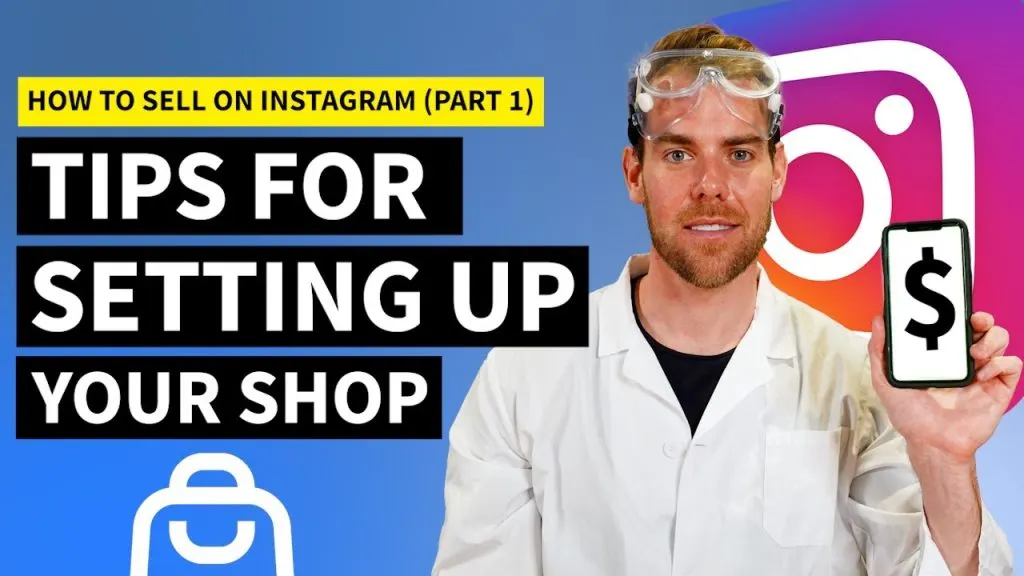
👉👉TRY SHOPIFY FOR FREE👈👈
Shopify 60 day trial
With Shopify:
-
Sign up for a Shopify account: First, sign up for a Shopify account if you don’t already have one. This is the platform that will allow you to sync with your Instagram account and create your shop.
-
Link your Instagram account: Once logged in, go to the left-side navigation bar and select “Settings,” then “Sales Channels.” From there, select “Instagram” and enter your Instagram login credentials. This will connect your Shopify account to your Instagram profile.
-
Set up your product catalog: Next, you’ll need to set up your product catalog. This includes setting up your main product collections and adding individual items to each collection.
-
Define an email address and return policy: When setting up your products, you should also specify an email address and return policy. If a customer has any issues with their purchase, they can use this contact information.
-
Customize the look of your shop: You can then customize the look of your shop. This includes things like setting a logo and color scheme, setting fonts,
👉👉TRY SHOPIFY FOR FREE👈👈
Read next
 Shopify
Etsy Shop Reviews #58: Beautiful Designs & Mockups… Only 6 Sales?!?
Shopify 60 day trial It’s difficult to get sales on Etsy in the beginning. You just need to keep putting out content and
 Shopify
Best Email Marketing App For Shopify | Full Guide
Shopify 60 day trial 1. Omnisend Omnisend is one of the most popular email marketing apps among Shopify merchants. With
 Shopify
iOS 14 Facebook Ads For Shopify Dropshipping | Master FB Ads In 20 Minutes
Shopify 60 day trial 1. Harness the Power of Lookalike Audiences: Lookalike audiences allow you to reach users similar t